Watch offline
Keep public clips available when your connection is slow or you are traveling.
All your platforms
Choose a supported platform and save public videos with the same simple workflow.
Dead simple
 1
1Open the video post, tap Share, and copy the public video link.
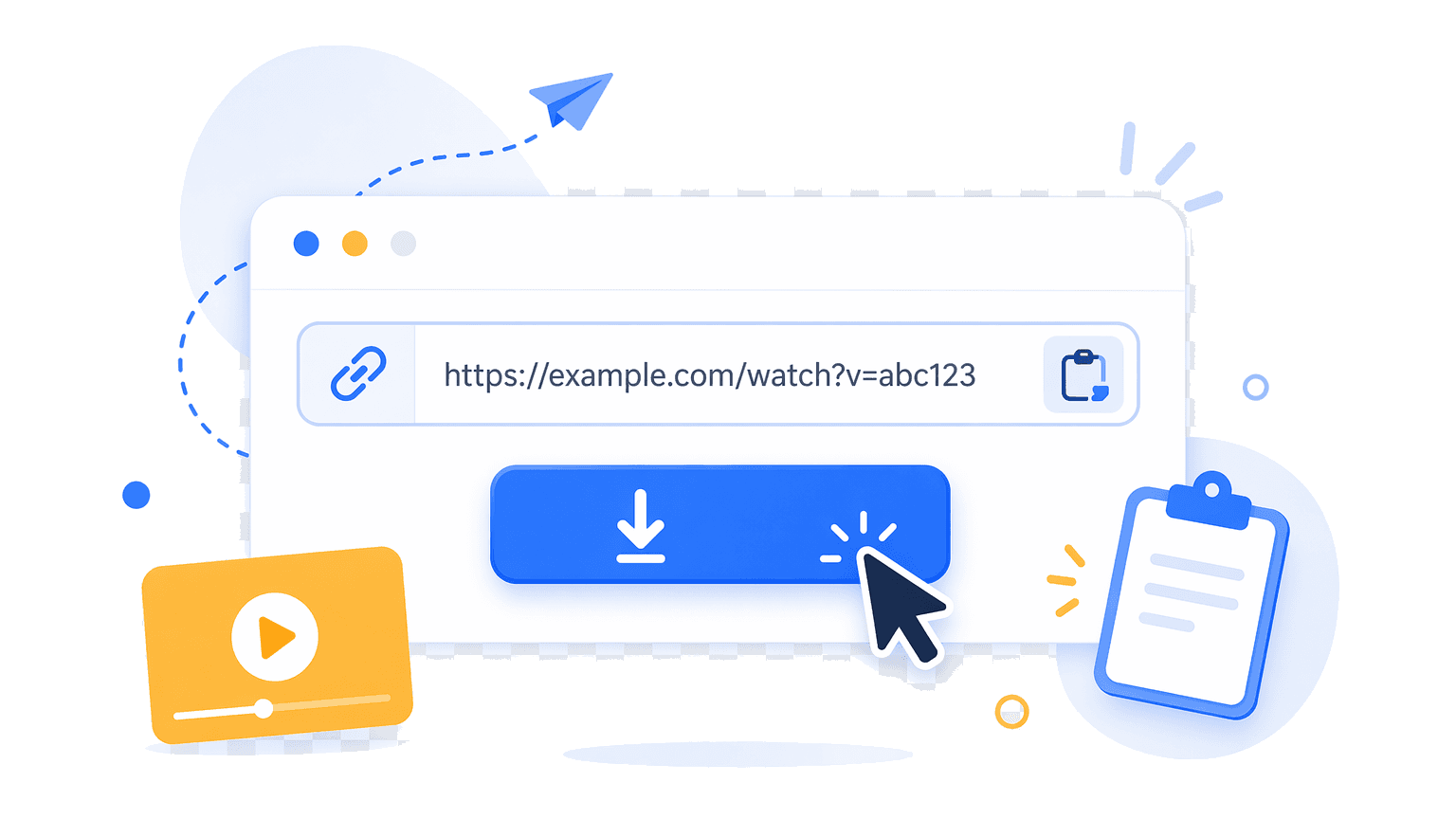 2
2Drop the link into the box and press Download.
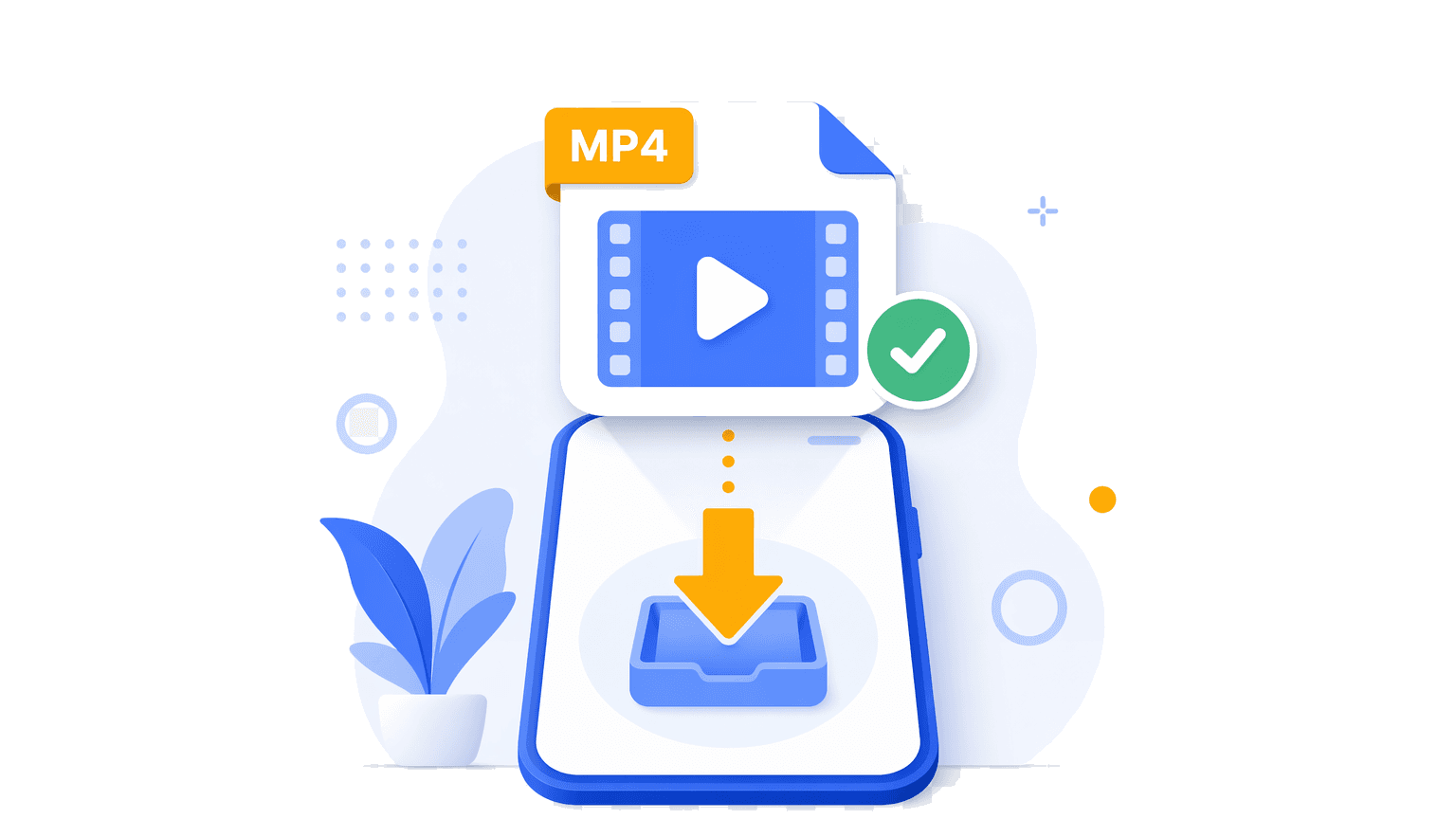 3
3Tap the button and the clean MP4 saves to your device.
Online video downloader features
Save the best available public video format as an MP4 file when the source platform provides it.
Use VidGrably in your browser on iPhone, Android, tablet, or desktop.
Paste a public video link without entering your platform username or password.
Videos stream to your device. VidGrably does not host or store downloaded files.
Useful every day
VidGrably is built for quick, personal downloads from public posts — clean MP4 files that work on phone, tablet, and desktop.
Keep public clips available when your connection is slow or you are traveling.
Download how-to videos, recipes, lessons, and walkthroughs for personal reference.
Store ideas, edits, trends, and examples in a simple MP4 format.
Save a video on mobile or desktop and share the file across your own devices.
Why choose VidGrably
Paste a public video link and download from your browser without extra steps.
No platform login is required. VidGrably does not host or store downloaded video files.
Works across supported platforms and devices with MP4 downloads when available.
From the blog
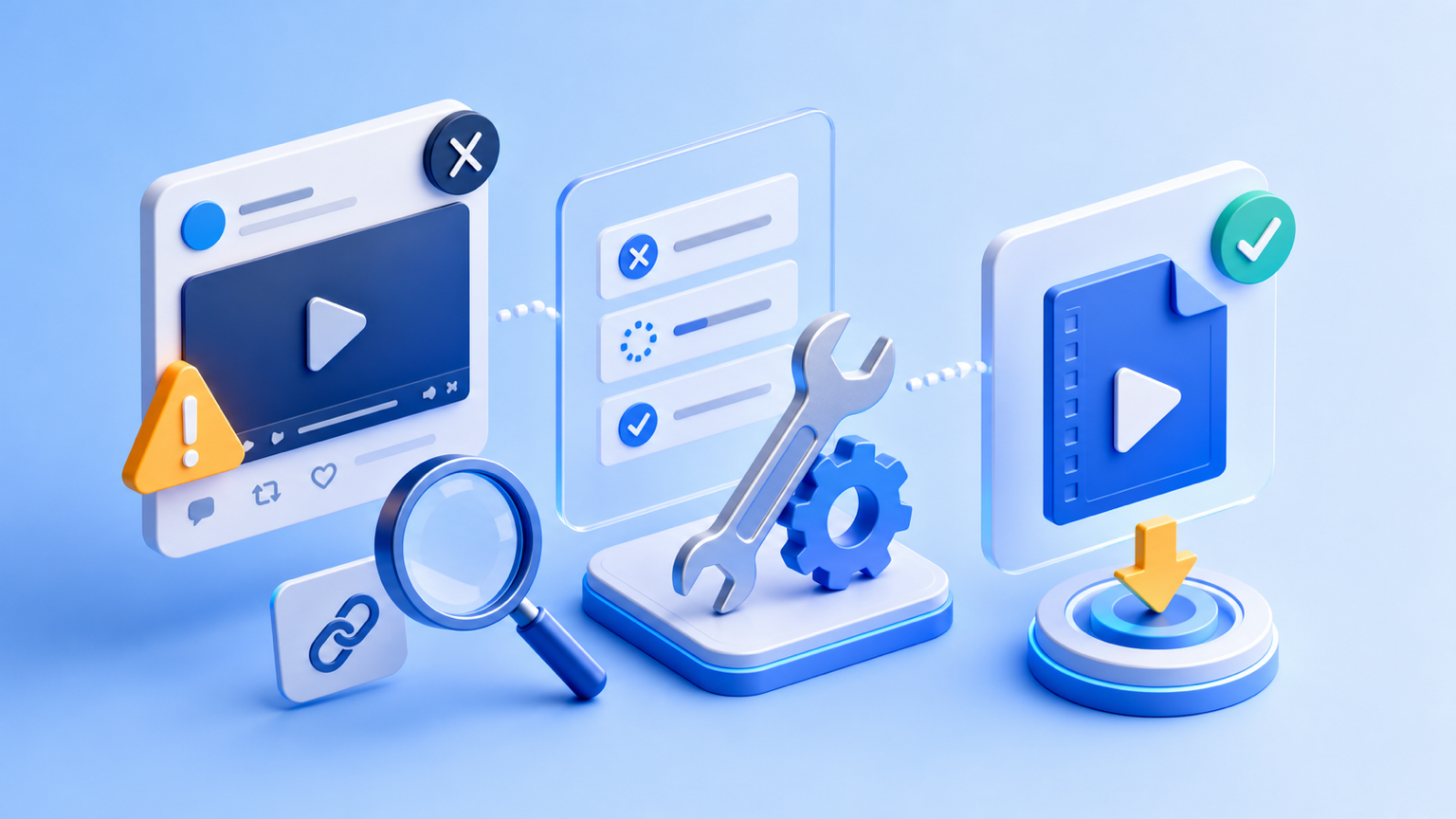
If an X / Twitter video will not download, check the link, privacy, region restrictions, browser, and media type. Follow these practical fixes.
Jul 5, 2026
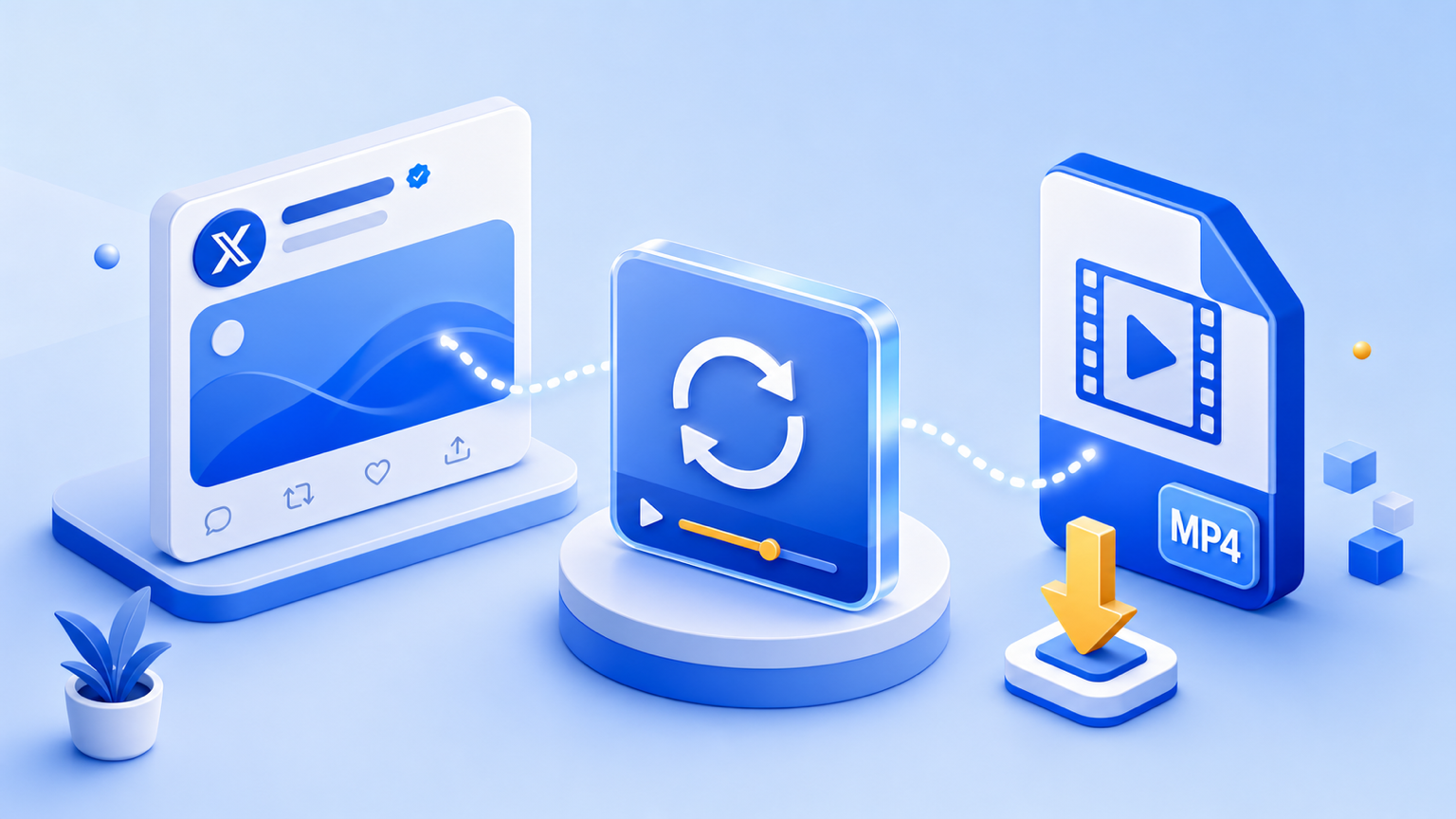
Download a GIF from X / Twitter as a playable MP4. Learn why Twitter GIFs are really videos, how to copy the right link, and what to do when a GIF will not save.
Jul 5, 2026
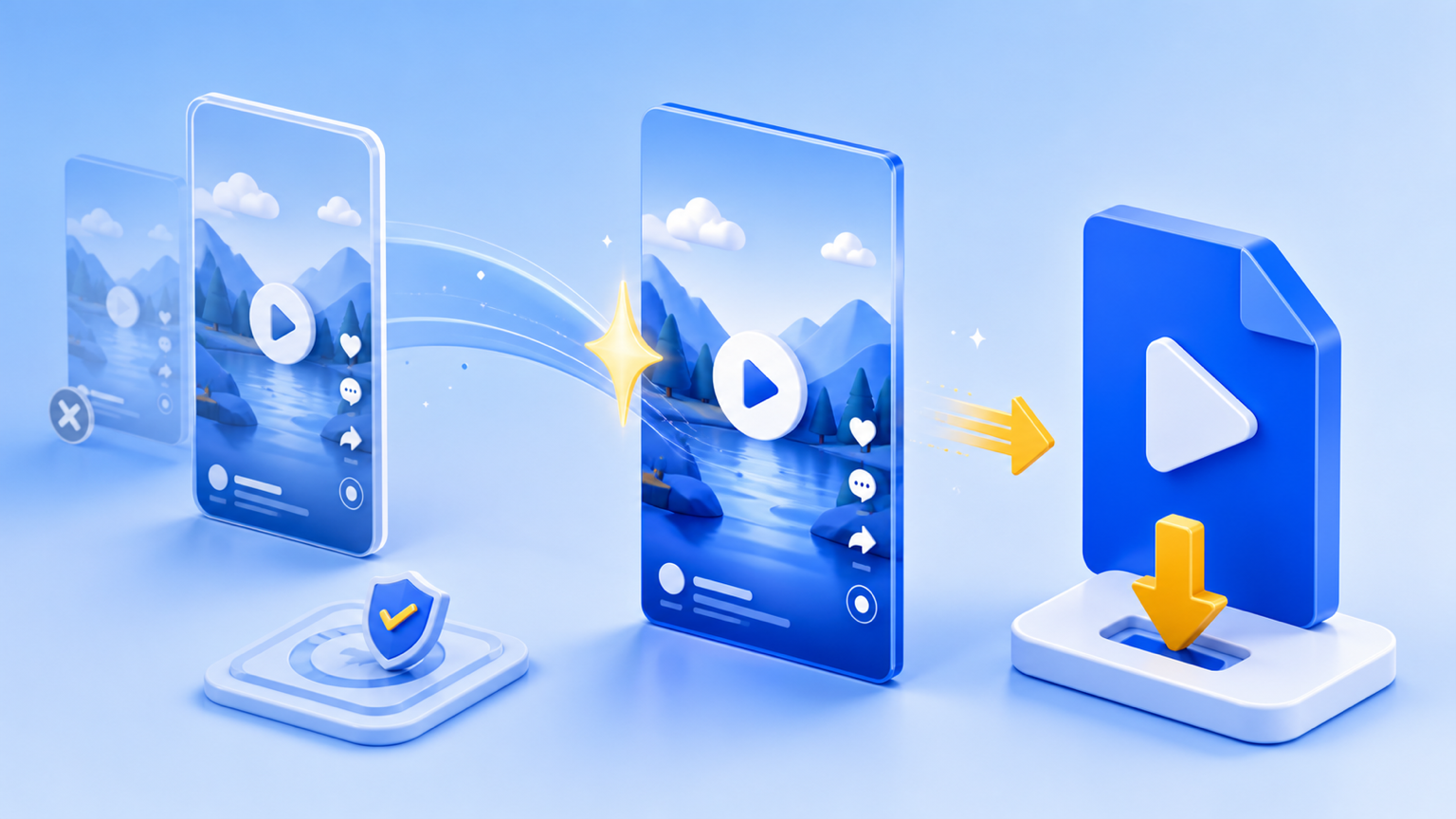
Convert a public TikTok link to an MP4 file online. Learn the fastest way to save TikTok videos, what quality you get, and when downloads will not work.
Jul 5, 2026
Good to know
Yes. VidGrably is free to use and does not require an account or paid subscription.
No. VidGrably works in your browser on iPhone, Android, tablet, and desktop. Paste a public video link and download online.
Yes. You do not need to enter your TikTok, X, Facebook, Instagram, or YouTube username or password.
VidGrably currently supports public video links from TikTok, X (Twitter), and Facebook. Instagram and YouTube pages are available in beta for public links when they can be resolved.
Private, deleted, restricted, age-gated, or region-locked posts cannot be resolved. Some platforms may also block downloads temporarily.
Use VidGrably only for videos you own, public videos, or videos you have permission to save. Always respect copyright and the original platform rules.
Responsible downloading
VidGrably does not host videos or ask for platform logins. Use it only for content you own, public videos, or videos you have permission to save.
Private, deleted, restricted, or region-locked posts cannot be resolved.
Downloads stream to your browser; VidGrably does not keep a copy of the video.
Never enter your TikTok, X, Facebook, Instagram, or YouTube password here.
Follow the original platform rules and use downloaded files responsibly.