Facebook Reels Downloader: Save Any Reel in HD (Free)
Jun 19, 2026
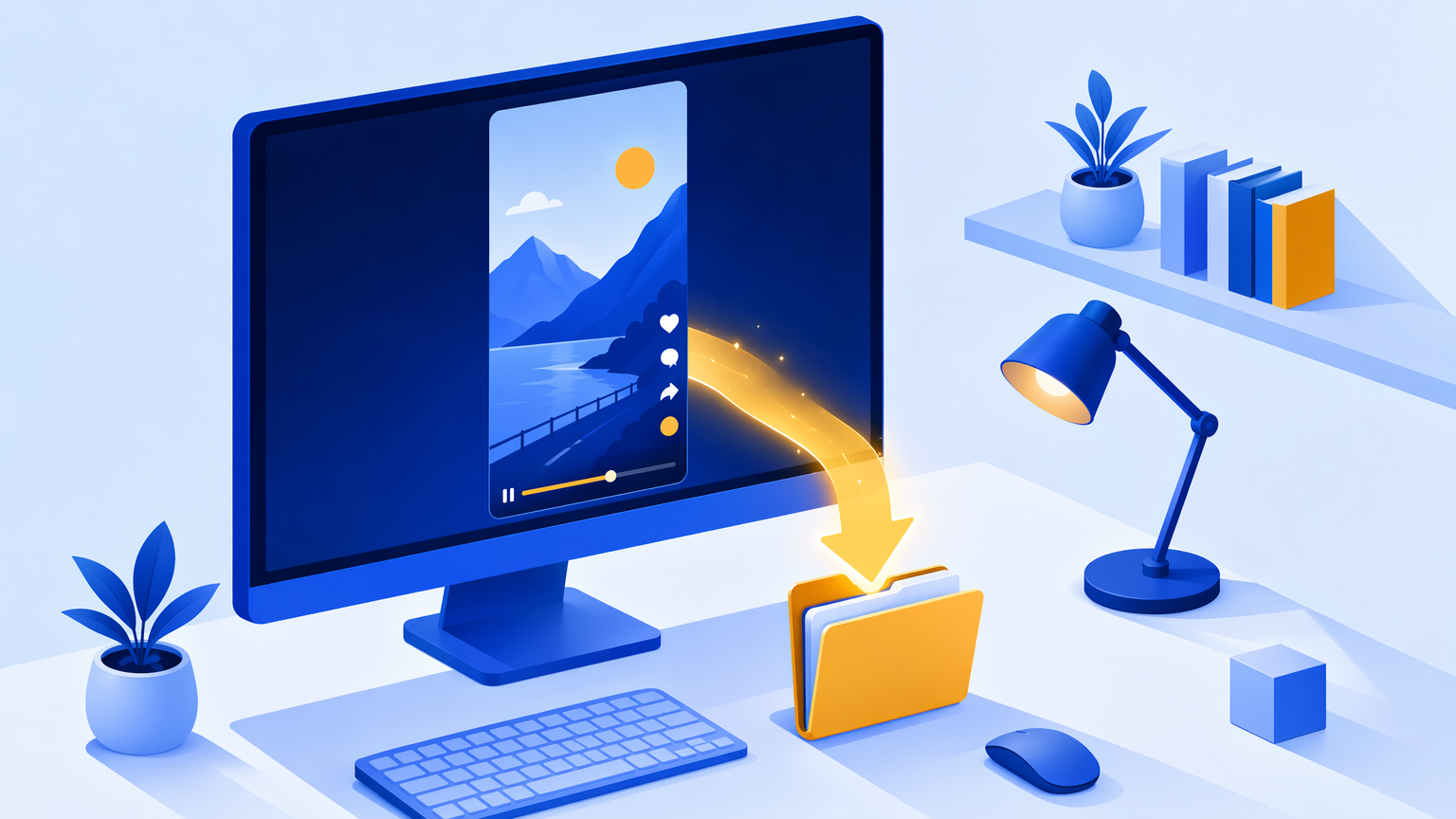
Want to save a Facebook Reel to your phone or computer? You're in the right place. Facebook doesn't give you a real "Download" button on Reels, and screen-recording leaves you with a blurry clip full of on-screen buttons. A proper Facebook Reels downloader pulls the original video file — clean, full quality, no recording artifacts — straight from the link. Here's exactly how to do it in a few seconds, for free.
What is a Facebook Reels downloader (and why you need one)
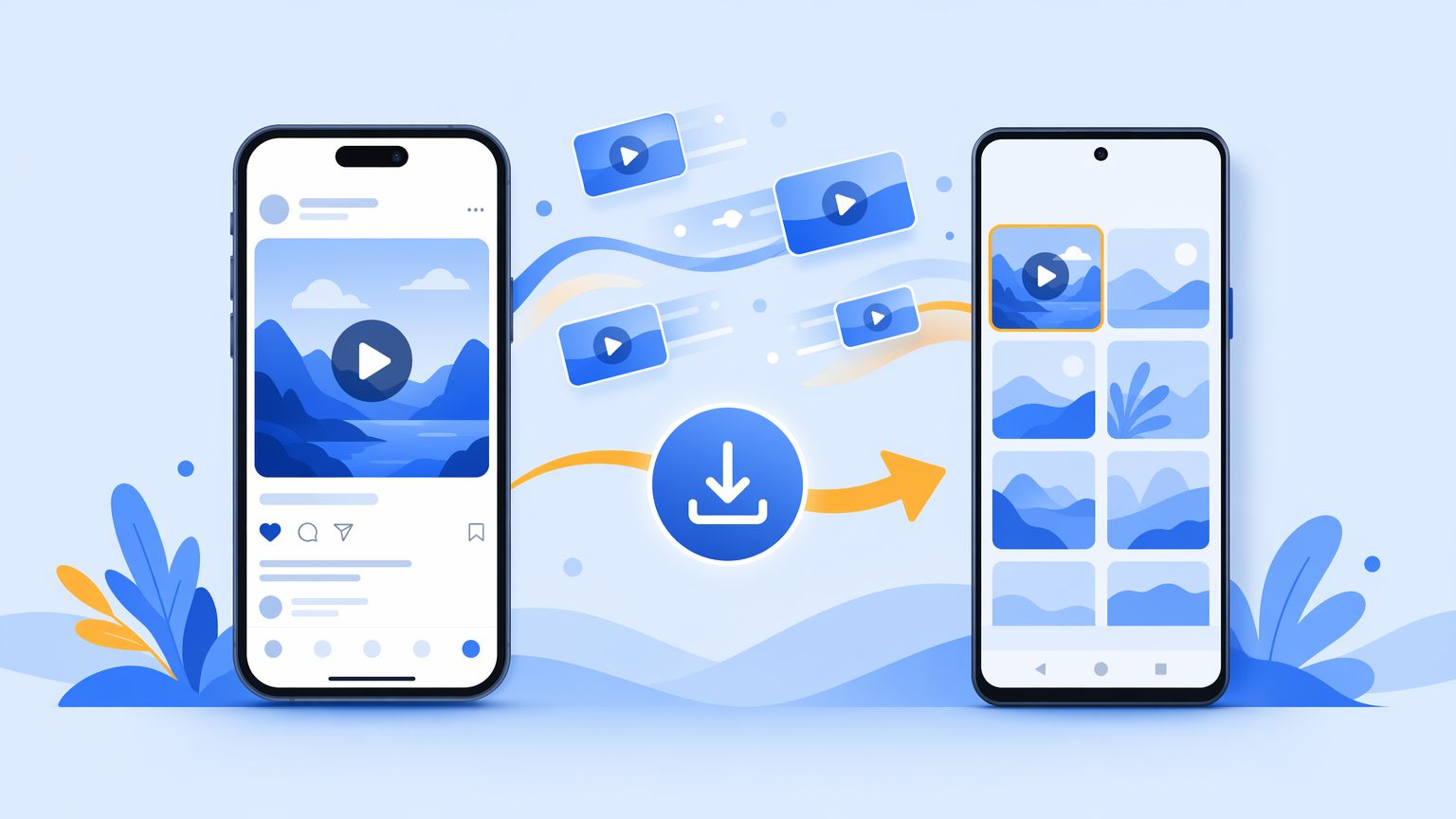
A Facebook Reels downloader is a tool that takes the link to a Reel and gives you back the actual MP4 video file, so you can save it to your device and watch it offline, repost it, or keep it before it disappears.
You might wonder why you can't just save it from the app. A couple of reasons:
- There's no native download option. Facebook lets you save a Reel inside the app (so you can find it again later), but that's just a bookmark — the file never lands on your phone. You can't open it in your gallery, send it over WhatsApp, or edit it.
- Screen recording wrecks the quality. Recording your screen captures the Reel at your screen's resolution, drops frames, picks up notification sounds, and bakes in the play button, caption, and UI overlay. It's not the clean source video.
A downloader skips all of that and hands you the original file. That's the difference between a watchable keepsake and a shaky, low-res copy.
How to download a Facebook Reel in 3 steps
The fastest way to save a Reel is to paste its link into a web-based downloader — nothing to install. Here's the whole process with VidGrably:
- Copy the Reel link. On the Reel, tap the Share icon (the arrow) and choose Copy link. (Full phone/desktop instructions are in the next section if you get stuck.)
- Paste it into VidGrably. Open the free Facebook downloader, drop the link into the box, and press Download.
- Save your MP4. VidGrably resolves the original video and gives you a clean MP4 — tap to save it to your phone or computer.
That's it. No account, no app, no watermark added. It works the same on iPhone, Android, Windows, and Mac because everything happens in your browser.
How to copy a Reel's link (phone vs. desktop)
Most people who get stuck downloading a Reel get stuck right here — copying the link. It's slightly different depending on your device.
On iPhone or Android (Facebook app):
- Open the Reel you want.
- Tap the Share arrow (usually on the right side or bottom of the screen).
- Tap Copy link. You'll see a "Link copied" confirmation.
On a desktop browser:
- Open the Reel on facebook.com.
- Click the Share button under the video, or click the three dots (•••) menu.
- Choose Copy link.
You can also grab the URL straight from your browser's address bar while the Reel is playing — it'll look like facebook.com/reel/.... Either link works when you paste it into the downloader.
Download Facebook Reels in HD without watermark
Quality matters, so this is worth being precise about. When you use a downloader the right way, two things should be true:
- You get HD, not a re-compressed copy. VidGrably saves the highest resolution Facebook serves for that Reel and doesn't re-encode it on our end. If the creator uploaded it in HD, that's what you get.
- No watermark is added. Unlike some platforms, Facebook doesn't stamp a watermark onto the source file, and VidGrably doesn't add one either. The MP4 you save is the clean video.
So a Reel you download will look as sharp as it did in the app — the difference is it's now a real file on your device that you can play, share, or edit anywhere.
Can you download private or someone else's Reels?
Honest answer: public Reels work, private ones don't.
- ✅ Public Reels — any Reel that anyone can view without being logged in or being a friend will download fine.
- ❌ Private, deleted, age-restricted, or region-locked Reels can't be resolved. There's no public file to fetch, so no tool can pull it (and any site claiming otherwise is best avoided).
You can download someone else's public Reel — that's perfectly possible technically. Whether you should repost it is a separate question; see the next section.
Is it legal and safe to download Facebook Reels?
Two different concerns here — copyright and security.
Copyright: Downloading a Reel for your own offline viewing is generally fine. But Reels are created by someone, and reposting or monetizing a video you didn't make can infringe the creator's rights. If you plan to share a Reel publicly, credit the creator or get their permission. Save it for yourself? No problem. Pass it off as your own? Don't.
Safety: A browser-based tool like VidGrably is safer than the random "download" apps in the app stores, because:
- There's nothing to install, so no app permissions, no background access to your photos or contacts.
- There's no login, so you never hand over your Facebook credentials.
You paste a link, you get a file. That's the entire transaction.
Facebook Reels downloader FAQ
How do I download a Facebook Reel without an app? Copy the Reel's link from the Share menu, paste it into VidGrably's Facebook downloader, and press Download. It runs in your browser — nothing to install on iPhone, Android, or desktop.
Can I download Facebook Reels in HD? Yes. VidGrably saves the highest resolution Facebook provides for that Reel and doesn't re-compress it, so the saved MP4 matches the in-app quality.
Where does the Reel save on my phone? On most phones the file goes to your Downloads folder or photo gallery, depending on your browser's settings. On iPhone, you may be prompted to save to Files or Photos.
Why won't a particular Reel download? If a Reel is private, deleted, age-restricted, or region-locked, there's no public file to fetch and it can't be downloaded. Any public Reel should work.
Can I download just the audio from a Reel? VidGrably saves the full Reel as an MP4 (video + audio). To keep only the sound, save the video first, then extract the audio with any free converter.
Save your first Reel now
Downloading a Facebook Reel comes down to three things: copy the link, paste it into a free downloader, and save the MP4 — in HD, with no app and no login. Screen recording can't match that, and the in-app "Save" button never puts a real file on your device.
When you're ready, head to the free Facebook Reels downloader, paste your link, and grab a clean copy in seconds.